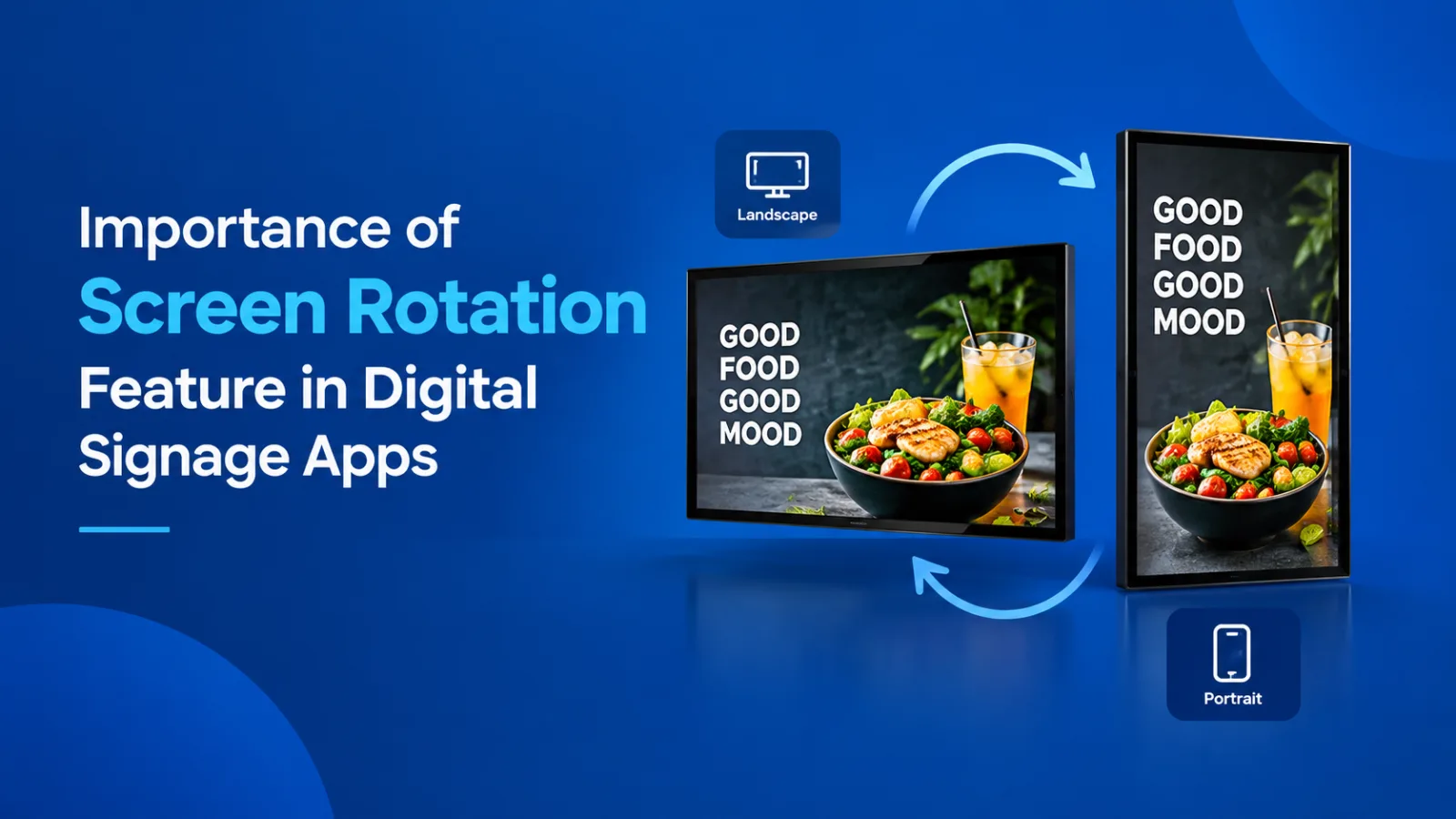
Importance of Screen Rotation Feature in Digital Signage Apps
When businesses think about digital signage app, they usually focus on display size, screen resolution, content quality and the type of information they want to showcase. But, one important feature that is often overlooked is screen rotation.
The ability to change the screen's orientation from landscape to portrait can make a significant difference in how a business uses its available space.
In some locations where wall space is limited, choosing the right screen orientation can help businesses display more content without making the installation look crowded or undercut.
Todays modern signage app should make screen rotation simple, flexible and convenient. It should allow businesses to decide how each screen is displayed according to the available space, the type of content and the purpose of the installation.
At ICE Signage, our screen rotation feature is designed to give businesses greater control over their display setup. This feature can be especially useful for QSR's, retail outlets, reception areas, digital standees and other commercial places where space and presentation both are equally important.
What Is Screen Rotation in a Signage App?
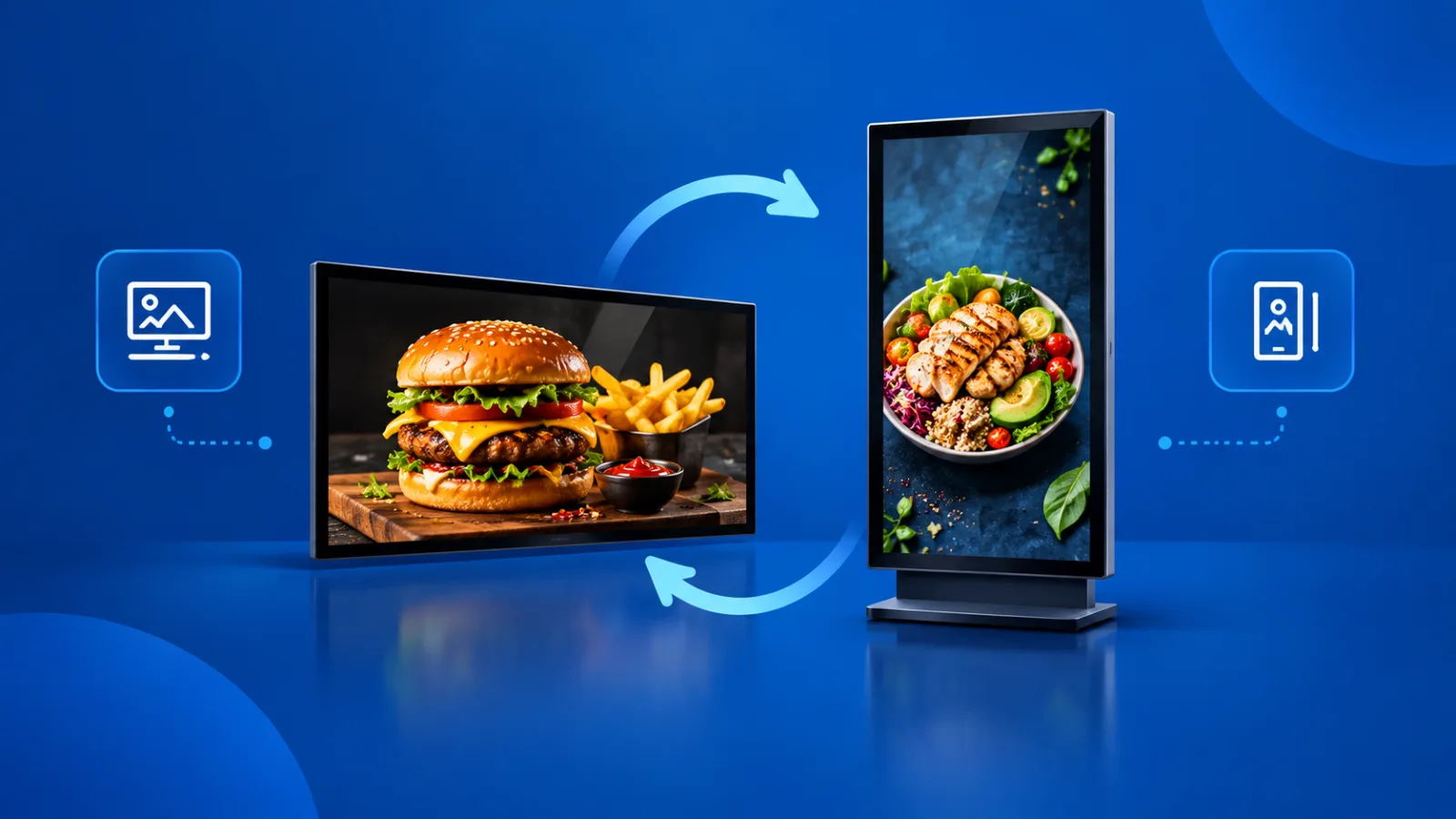
Screen rotation is the feature to change the display orientation of a digital screen between landscape and portrait.
In landscape orientation, the screen is wider than it is tall. This format is commonly used for television content, presentations, promotional videos and menu boards.
In portrait orientation, the screen is taller than it is wide. This format is useful for digital standees, vertical advertisement boards , product promotions and installations where horizontal space is less and need larger display space.
A signage app with a screen rotation feature allows businesses to select the required orientation that best suits their setup. Instead of depending entirely on the default orientation of the display device, the business can configure the screen according to its requirements now.
For example, ICE Signage provides screen rotation settings with four options:
- 0 degrees: Standard orientation
- 90 degrees: Rotated orientation
- 180 degrees: Upside-down orientation
- 270 degrees: Rotated in the opposite direction
These options provide flexibility when screens are installed in different physical positions.
The important point is that the rotation can be controlled at the application level from cloud dashbord. This means there is no need to depend on rotating the entire sinceage device through the device's own settings which are quite different for every single model. The signage application manages the selected display orientation, making configuration more convenient for the user.
1. Making Better Use of Limited Space
One of the biggest advantages of screen rotation is better space management.
In commercial environments, every inch of available space can matter. A some smalll restaurants may have a narrow wall above its billing counters.
A retail shop may have limited space near its entrance.
A hotel reception may need to display information without occupying too much wall area.
Installing only landscape displays in such locations can restrict the number of screens that can fit comfortably.
Portrait orientation offers another option. Since a vertical display requires less horizontal width, businesses can potentially accommodate more screens within the same available width, depending on the display dimensions and installation layout.
This is particularly useful when businesses want to display different menus, advertisements, offers or promotional messages on separate screens.
Rather than expanding the installation horizontally, businesses can make better use of the available vertical space.
The result can be a more organised display arrangement that looks planned instead of crowded.
2. A Real World Example: A Quick-Service Restaurant
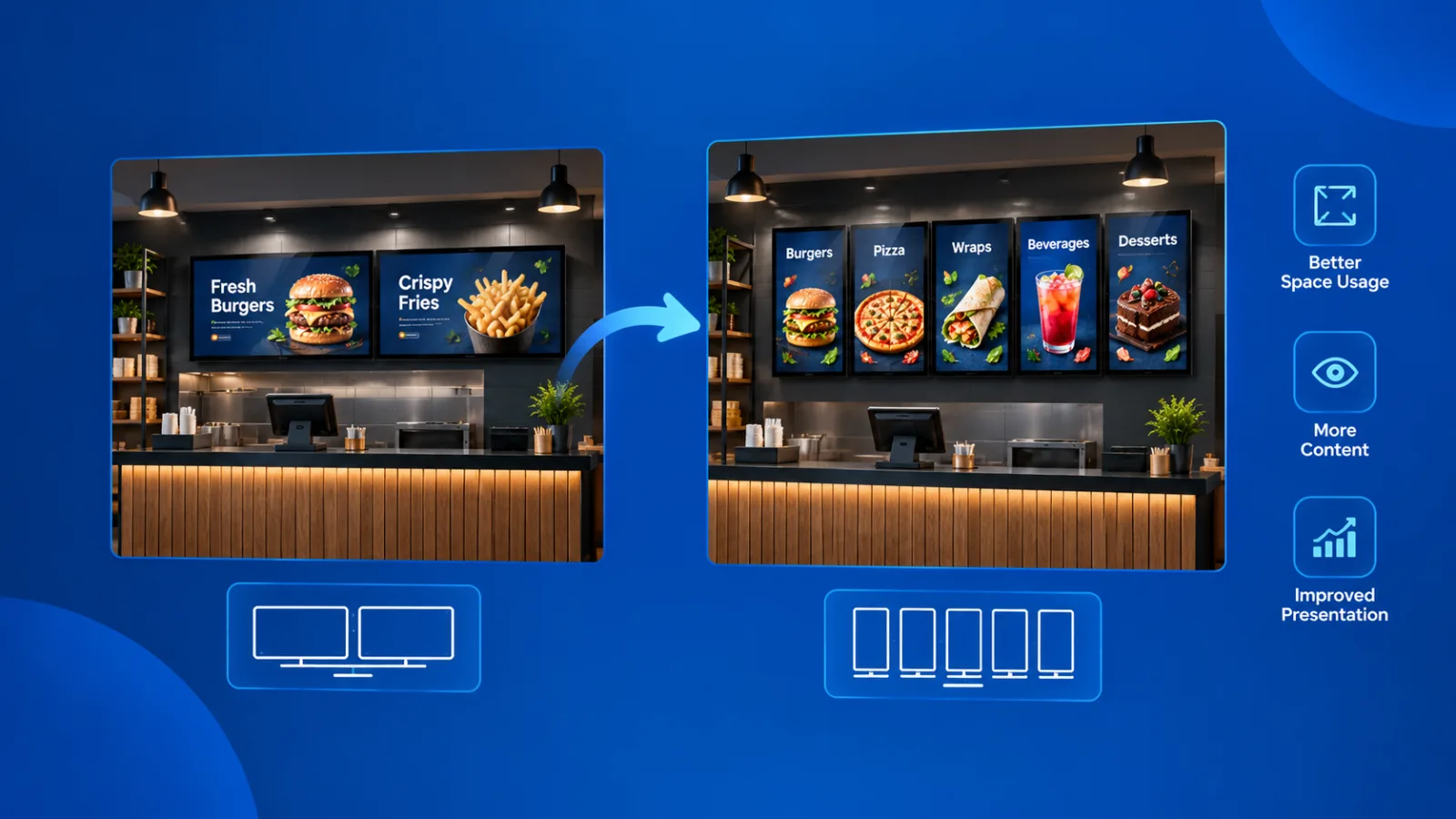
Consider a quick-service restaurant (QSR) that wants to install digital menu boards above its billing counter.
The restaurant has limited space, but it wants to display multiple menus and promotional offers. The owner wants a large display setup that looks professional and helps customers understand the available choices.
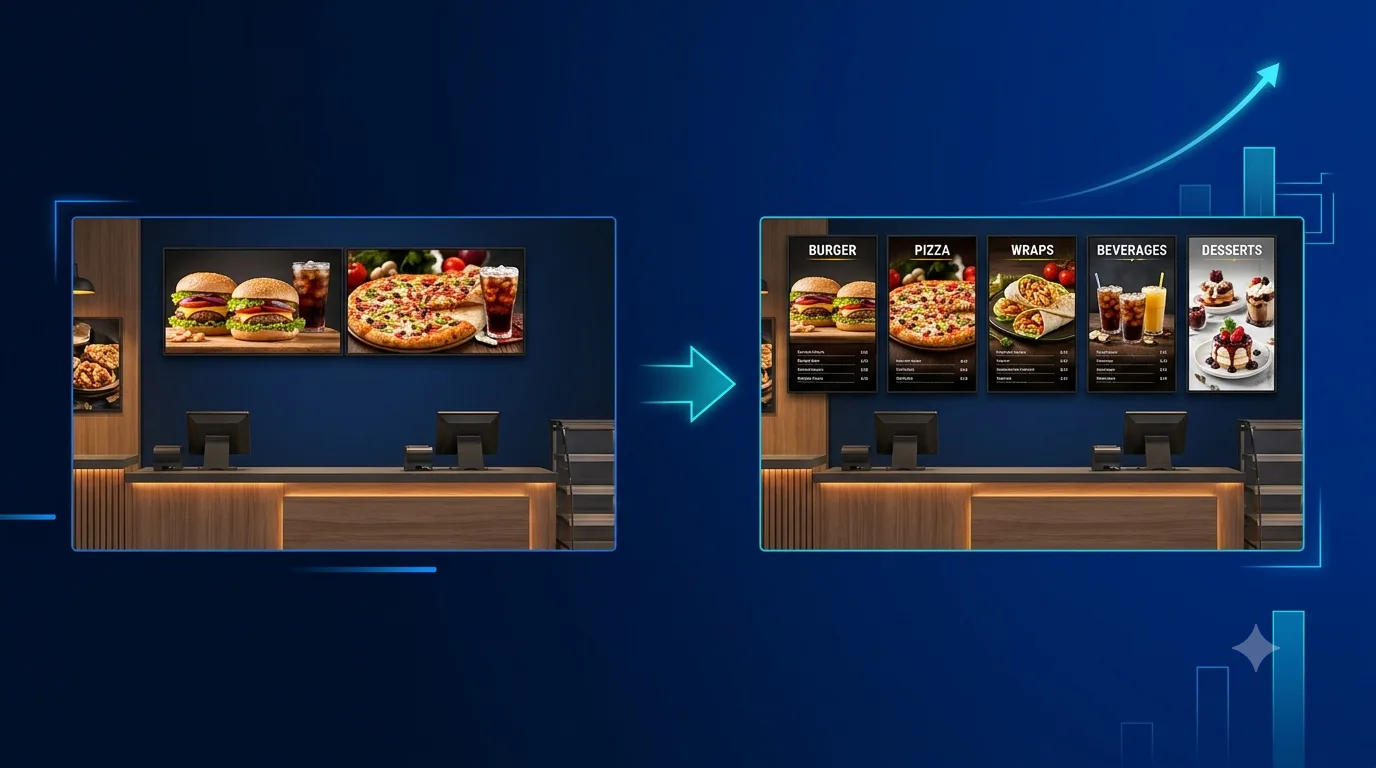
When the screens are arranged horizontally, the available space may accommodate only around two screens.
However, by switching to portrait orientation and planning the installation accordingly, the restaurant may be able to fit around five screens within a similar space.
This is not a fixed result for every installation. The actual number of screens depends on the screen size, aspect ratio, mounting arrangement and available wall dimensions. But it demonstrates how choosing a different orientation can change what is possible.
With more screens available, the restaurant can dedicate separate displays to different menu categories, combo offers, beverages, new products or promotional campaigns.
The setup can also create a stronger visual identity. Instead of a limited menu display, the customer sees a well-organised digital presentation that gives the outlet a more professional and branded appearance.
For the businesses, the biggest benefits can go beyond appearance. Better organised menus and clearly presented offers may help customers understand their choices and discover additional products.
In this particular type of a installation, screen rotation becomes more than a technical setting. It becomes a practical way to support the restaurant's presentation and business growth.
3. Why Portrait Orientation Works Well for Digital Standees
Digital standees are commonly installed at entrances, shopping malls, hotel lobbies, showrooms, exhibitions and promotional events.
They are generally designed in portrait orientation because a vertical format fits naturally into a narrow footprint. It allows businesses to place a display in a location where a wide screen might occupy too much space or interfere with movement.
For example, a portrait display near a restaurant entrance can showcase a promotional offer without requiring a wide wall. In a showroom, it can present product information next to the product itself. In a hotel lobby, it can display welcome messages, event details or directions.
Landscape screens have their own advantages, especially for wide-format video and content that benefits from a broader layout. However, when floor space or horizontal width is limited, portrait orientation can be the more practical choice.
A signage app that supports rotation gives businesses the flexibility to choose between these formats without limiting every installation to a single orientation.
4. More Creative Freedom for Display Layouts
Screen rotation also gives businesses greater creative freedom.
Digital signage is not simply about putting information on a television. It is about presenting information in a way that attracts attention, communicates clearly and fits the surrounding environment.
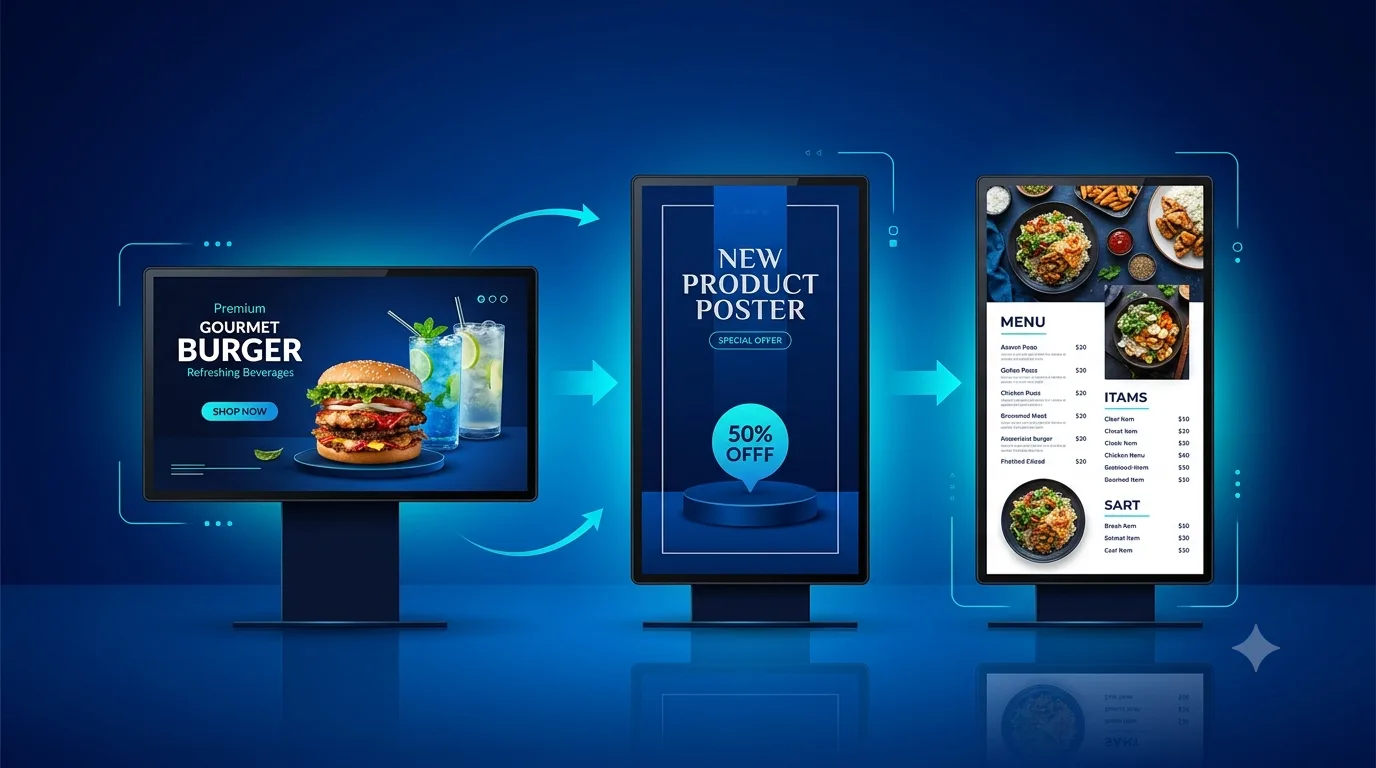
A vertical display can create a different visual impact from a horizontal one. It can give promotional posters, product highlights, menu categories and event announcements a more natural layout.
Businesses can plan their content around the physical orientation of each and every screen. For example, a portrait display may be suitable for a tall promotional design, while a landscape display may work better for a wide product video.
Multiple portrait screens can also be arranged side by side, with each screen displaying its own separate content. One screen might show food items, another could highlight combo offers, and a third could display a limited-period promotion.
This arrangement does not necessarily mean that all screens form one continuous image or canvas. Each display can be used independently, according to the business's content plan.
That flexibility makes it easier to create a coordinated installation while keeping individual screens useful on their own.
5. Application-Level Rotation Makes Configuration Easier
Traditionally, a commercial dispaly orientation can involve device-level display settings, operating systems configuration or specialised hardware arrangements.
For commercial installations, relying on separate device settings can make configuration and maintenance more complicated, especially when multiple screens are deployed across different locations.
An application level screen rotation feature offers a more direct approach. The user can navigate to the relevant screen in the signage app, open the Settings section and select the required rotation angle.
With ICE Signage, the available options are 0, 90, 180 and 270 degrees.
This approach is useful because the display orientation can be managed through the signage application rather than requiring the user to depend on the Android device's general rotation settings.
6. Supporting Different Operating Systems
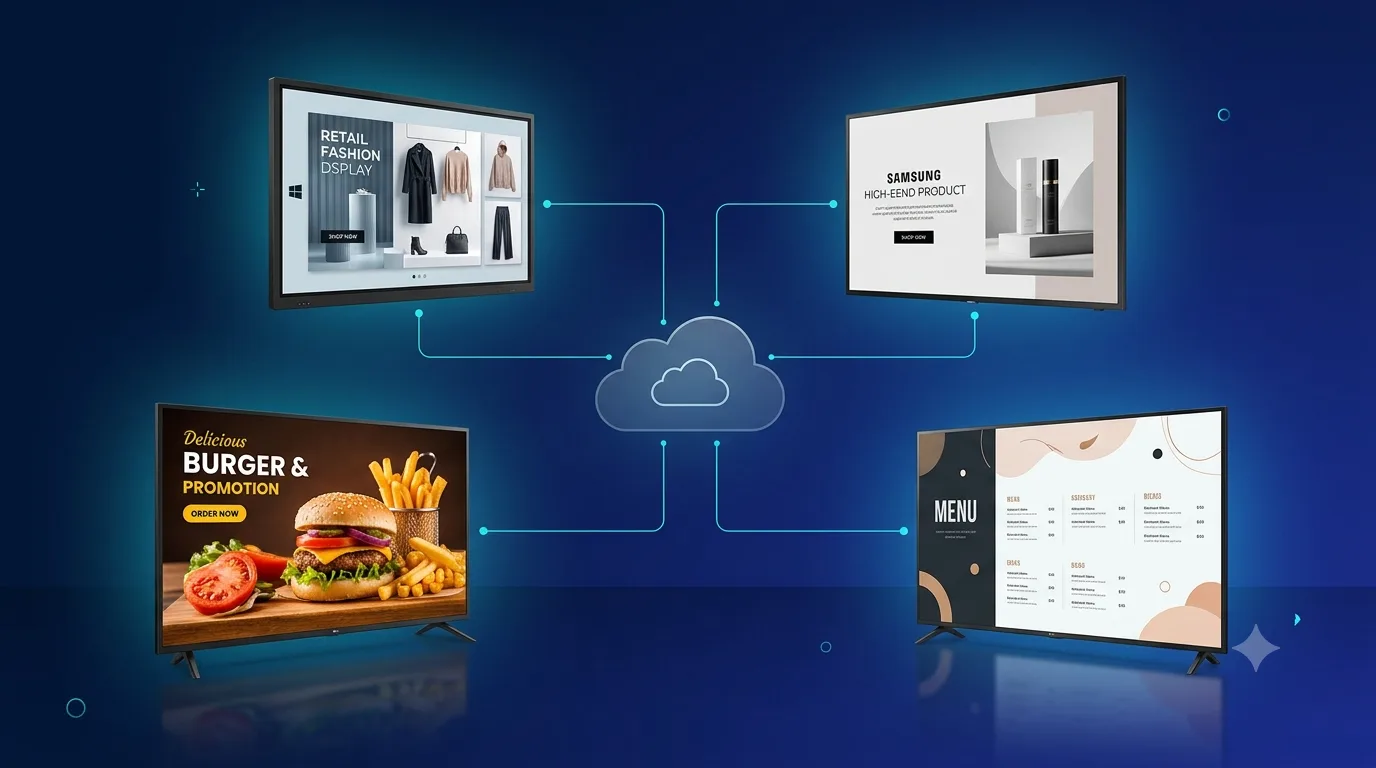
Businesses may use different operating systems across their digital signage installations. Some deployments run on Android, while others may use Windows, Samsung Tizen or LG webOS.
For companies managing screens across different environments, consistency is important. They want a signage solution that fits their installation requirements without forcing every location to follow the same hardware arrangement.
ICE Signage supports screen rotation across Android, Windows, Tizen OS and LG webOS environments.
The practical value of this capability is that businesses can plan their screen layouts around the requirements of each location. A retail outlet may use landscape displays for wide promotional content, while a smaller outlet may prefer portrait displays to save horizontal space.
The availability and behaviour of individual features should always be checked against the specific platform, device model and software version being deployed.
7. Choosing the Right Content for the Screen Orientation
Rotating a screen is only one part of creating an effective digital signage installation. The content must also be designed for the selected orientation.
A design created for a landscape screen may not look correct when displayed vertically. Text can become too small, images may be cropped, and important information may no longer have enough room.
For this reason, portrait content should be designed specifically for portrait displays, while landscape content should be prepared for landscape screens.
For example, a vertical restaurant menu can use a clear heading, neatly arranged product images, readable prices and well-spaced categories. A landscape menu may instead use multiple columns across the width of the display.
The goal is not simply to rotate the screen and expect every design to fit automatically. The goal is to combine the right orientation with content that has been planned for that format.
Businesses should also consider viewing distance, font size, contrast, image quality and the amount of information shown on each screen.
A well-planned display is easier to read and gives customers a better experience.
8. Screen Rotation Can Support Business Growth
For a growing business, digital signage should be practical to manage and adaptable to changing requirements.
A restaurant may start with a small installation and later add more screens. A retail shop may change its promotional layout during festive seasons. A hotel may use different screen arrangements for reception areas, restaurants and event spaces.
Screen rotation gives businesses another way to adapt their displays without treating landscape orientation as the only option.
It can help them make better use of existing space, create more suitable content layouts and improve the overall presentation of their premises.
But, screen rotation alone does not guarantee higher sales. Its value comes from how it is used alongside clear content, suitable screen placement, good design and a thoughtful customer experience.
When these elements work together, digital signage can become a more useful part of the business environment.
9. What Businesses Should Look for in a Signage App
When choosing a signage app, businesses should consider more than just whether it can play videos or display images.
The application should provide practical controls that make real-world installations easier to manage.
Useful considerations include:
- Flexible screen orientation: Options for different rotation angles, including 0, 90, 180 and 270 degrees.
- Simple configuration: Settings that are easy to locate and understand.
- Platform compatibility: Support appropriate to the operating systems and devices used by the business.
- Content flexibility: The ability to plan different content for portrait and landscape displays.
- Practical installation planning: Freedom to choose display arrangements based on the available space.
- Consistent presentation: A setup that looks professional and suits the business's branding.
These considerations are especially important for businesses that operate multiple outlets or manage screens in different types of locations.
A feature that appears small in the software interface can make a meaningful difference when it solves a genuine installation problem at the outlet level.
Frequently Asked Questions
What is screen rotation in a signage app?
Screen rotation allows users to change a digital display's orientation between landscape and portrait positions. Depending on the application and device, additional rotation angles may also be available.
Why is portrait orientation useful for digital signage?
Portrait orientation is useful when horizontal space is limited. It works well for digital standees, vertical advertisements, restaurant menus and installations that require a narrow display footprint.
Can screen rotation help businesses install more screens?
It can. Portrait orientation may allow more screens to fit within a given width, depending on the screen dimensions and mounting arrangement. The actual number of screens should be determined by measuring the available space and planning the installation.
Does rotating a screen automatically adjust the content?
Not necessarily. Content should be designed for the selected orientation. A landscape design may not display correctly in portrait mode without suitable changes to the layout.
What rotation options does ICE Signage provide?
ICE Signage provides screen rotation settings for 0, 90, 180 and 270 degrees, allowing users to select the required orientation through the application's Settings section.
Which operating systems does ICE Signage support for screen rotation?
ICE Signage supports screen rotation across Android, Windows, Tizen OS and LG webOS environments. Compatibility should be confirmed for the specific device and software version used in an installation.