What Value and Features Does a Digital Signage App Add to Your Business? — Practically Tested in India
I have been working in the digital signage app industry for 11 years, and one thing I have understood during this journey is that displaying content on a screen is only a small part of what digital signage can actually do for any business.
When I started my carrier in display technolgies , digital signage was still growing in India. The technology was available, but setting it up and managing it was not as simple as it is today.
Over the years, I have seen how hardware, internet connectivity, and software have changed the way businesses use commercial displays.
Today, restaurant owners, retailers, schools, hospitals, banks, corporate offices, factories, and government departments use screens for different purposes.
But I still believe there is one important question every business should ask before investing in digital signage.
Is the screen simply displaying content, or is it actually doing something useful for your business?
That is where choosing the right signage app makes a difference.
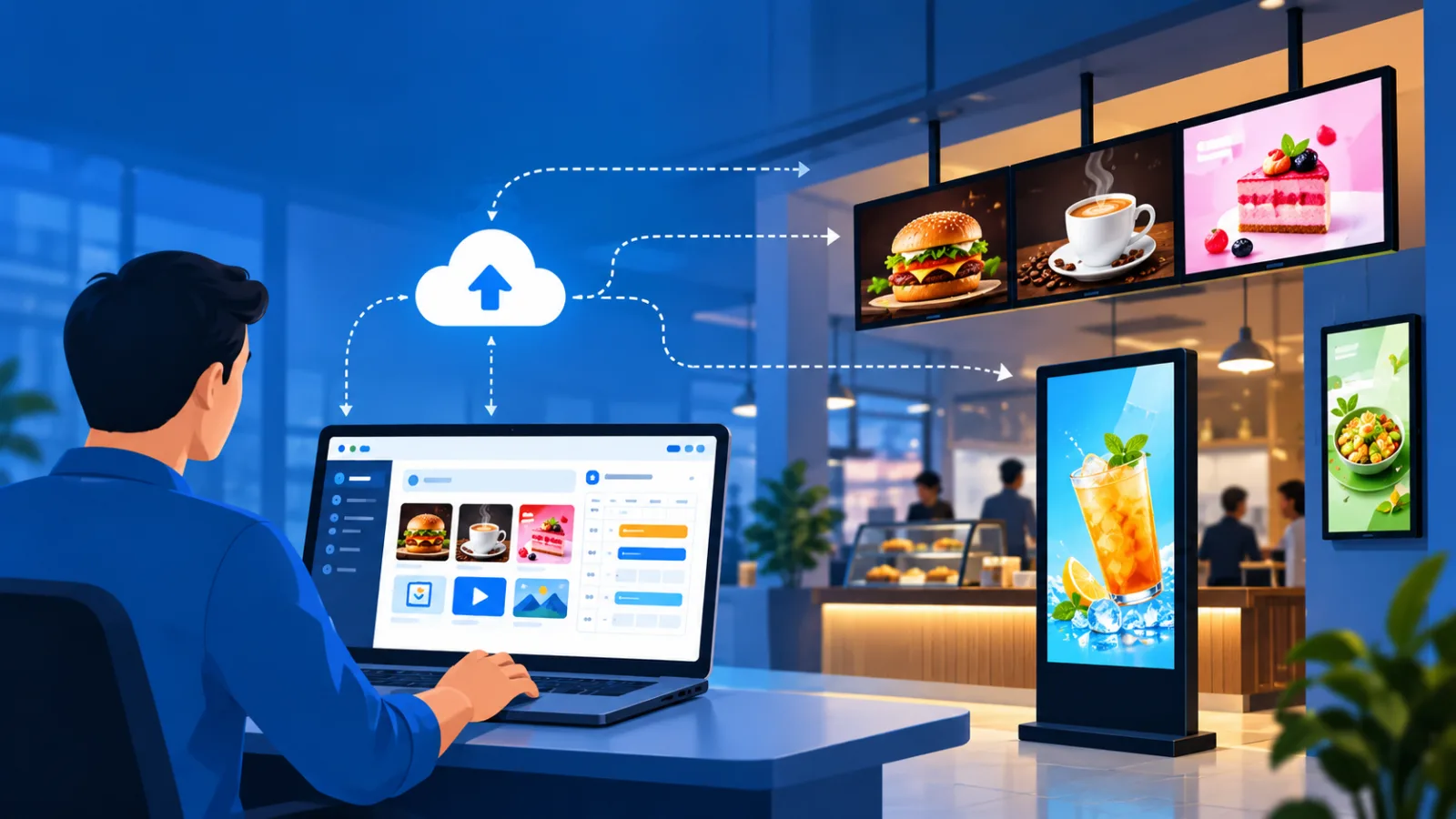
Why I Believe a Screen Should Never Be Just an Expensive Poster
When I started working with digital signage, most installations were not as straightforward as they are today.
In many cases, we needed an external Android box or another media player to run the signage application.
Some installations used Windows PCs connected to commercial TVs. Even after installing the hardware,
we sometimes had to manage separate applications for different functions. The main player might be one application, while another application was required to make it start automatically.
Managing the complete setup involved more effort than simply uploading some content.
Internet connectivity was another challenge during those years. As connectivity improved in India, particularly through the period from 2017 to 2019, cloud-based digital signage became more practical for many businesses.
We had better opportunities to manage screens remotely and make more effective use of both hardware and software.
But the biggest change, in my opinion, should not be about technology alone. It should be about the value we get from using that technology.
Think about a restaurant displaying food images on a commercial TV. The owner uploads some images, the screen plays them, and customers walk past. That is digital signage in its simplest form.
But what if the owner wants to know which content is attracting attention?
What if the restaurant wants to promote high-margin dishes rather than simply display the entire menu?
What if the owner wants to change the content without being physically present at the restaurant?
Now we are talking about something more useful than displaying a poster.
For me, a signage app should help businesses manage their screens, communicate better with customers, and make informed decisions about the content they display.
1. Content Analytics: Know What Is Actually Playing
Let us take a simple example.
Suppose a restaurant displays ten different food items throughout the day. The owner wants to promote a particular meal combination, but how does the owner know whether the intended advertisement has actually played as planned?
This is where content analytics helps.
Content analytics tells us how many times a particular piece of content has played on a specific screen. This information helps owners and managers understand playback activity rather than relying entirely on assumptions.
For example, if a promotional video was supposed to play 100 times, the playback report can help verify how many times it actually played, depending on the reporting capabilities of the signage software.
This is useful when managing several screens or multiple outlets.
However, there is an important difference between content being played and people actually watching it. Playback numbers alone cannot tell us how many customers noticed an advertisement or purchased the product.
That is why I see content analytics as the first step towards making better content decisions, not the complete answer.
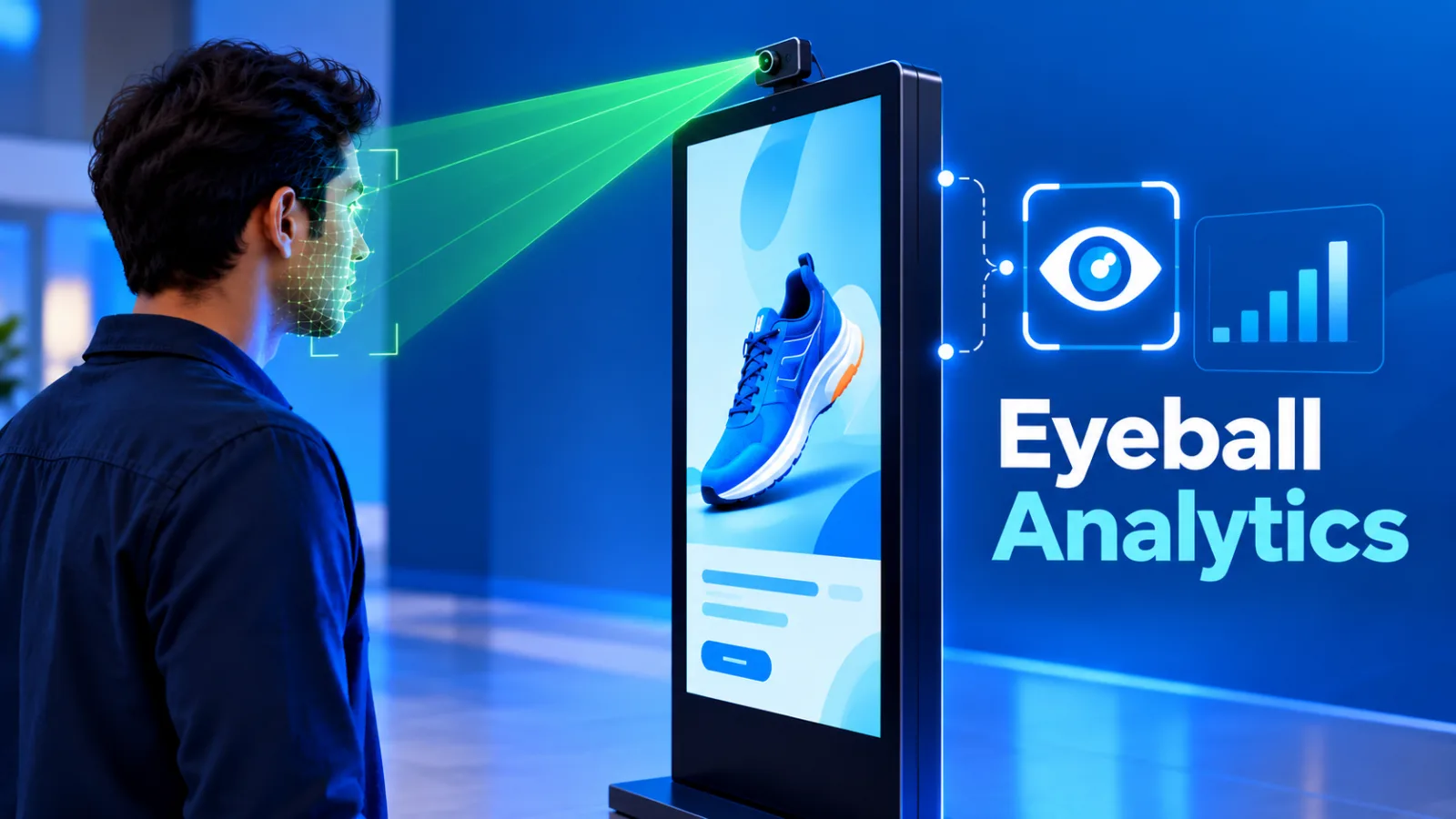
2. Eyeball Analytics: Go Beyond Playback Numbers
Eyeball analytics takes the discussion a step further.
Depending on the compatible hardware and analytics system, it can estimate how many people looked towards a screen and registered an impression.
Some systems can also provide information about the duration of attention.
Imagine that a restaurant is promoting three different dishes.
Content analytics tells the owner how often each dish was displayed. But
Eyeball analytics may help indicate how much audience attention the content received.
This gives the owner another way to evaluate the content.
If people are not paying attention to a particular promotion, the business can experiment with the image, presentation, message, or placement. If another promotion attracts more attention, the team can investigate what makes it more engaging.
Of course, attention does not automatically mean a sale. Actual sales data is still needed to establish whether the promotion influenced purchases.
But the important point is that businesses can start making decisions using information rather than guesswork.
If we do not know what is working, how can we decide what to improve? This is one of the reasons I believe content analytics and eyeball analytics are valuable developments in digital signage.
3. Every Screen Should Work Like a Salesperson
At ICE, we look at commercial displays from the perspective of the business using them.
Our thinking is simple: every screen should work like an additional member of the sales and marketing team.
Consider a restaurant. The owner may have several dishes with different selling prices and profit margins. Some dishes are popular, while others may need more visibility. If the screen only displays random food images, the owner is not making full use of it.
Instead, the screen can be used to highlight selected dishes, combination meals, special offers, and products the restaurant wants customers to notice.
The same applies to a retail shop promoting a new product or a café introducing a seasonal beverage.
A screen cannot replace a human salesperson in every situation. However, it can continuously present product information and offers without requiring a staff member to explain the same thing repeatedly.
It also acts as a marketing tool by keeping messages visible throughout business hours.
This is the approach I believe businesses should take. A screen should have a purpose. It should help sell, inform, promote, or communicate. Otherwise, we are spending money on a display without fully considering what it can do for us.

4. People Scan Content Rather Than Read Everything
Another thing businesses need to understand is how people consume information.
When a customer enters a busy café or restaurant, they may not have the time to read long descriptions. Their eyes often scan the menu, looks at the pictures, compare a few options, and make a decision. Thats called Visual Decisioning
This is why content presentation matters so much.
A printed poster has limited space. If you want to communicate information about several products, you may have to fit everything into one design or print multiple posters.
With a signage app, you can display different products one after another. A restaurant can show breakfast items in the morning, lunch combinations around midday, and dinner options later in the day.
You can also highlight a particular product with a good image and a short, clear message.
However, simply putting more content on the screen is not enough. If the screen is overcrowded with text, customers may still ignore it.
The idea is to make information easy to scan and understand. When content is presented properly, digital signage gives businesses more flexibility to communicate multiple messages within limited physical space.
5. Mobile App Access Makes Content Management Easier
One of the most practical benefits of a signage app is that business owners and managers can update content using a mobile phone.
Not every business owner has access to a computer throughout the day. A restaurant owner may be checking stock, managing staff, or visiting another outlet. A retail manager may be travelling between branches.
Suppose the restaurant owner wants to change a menu price or announce a special offer. With a signage app that supports mobile management, the owner can make the change from the phone without waiting to return to a computer.
Similarly, an authorised manager can update promotional content across selected screens remotely.
This saves time and reduces dependence on someone physically visiting the location to make routine changes.
Cloud connectivity makes this even more powerful and useful. If a business has screens in Bengaluru, Chennai, and Coimbatore, authorised users can manage those screens from wherever they are, provided the devices have the required connectivity.
For me, this is not just a convenience feature. It makes digital signage more practical for the people who have to use it every day.
6. Auto-Start and Scheduling Reduce Manual Work
Imagine opening a restaurant every morning and having to connect a pen drive, open an application, select the menu, and start playback manually.
Now imagine doing this across ten or twenty outlets.
This is exactly the kind of repetitive work that automation should eliminate.
With auto-start properly configured, the signage player can launch automatically when the device starts or restarts. The screen can then resume displaying the scheduled content without requiring staff to perform the same steps every day.
Scheduling is equally useful.
A restaurant can schedule different menus for breakfast, lunch, supper, and dinner. Once the schedule is configured, the content changes automatically at the specified times.
The owner does not have to remember to change the menu manually.
A school can schedule announcements for different periods, while a retail store can plan promotional messages for particular times of the day.
Split-screen layouts and scrolling text can also be useful. For example, a business can display its main promotional content in one section while showing a scrolling notice in another.
These features make the screen easier to operate and allow businesses to keep their communication organised.
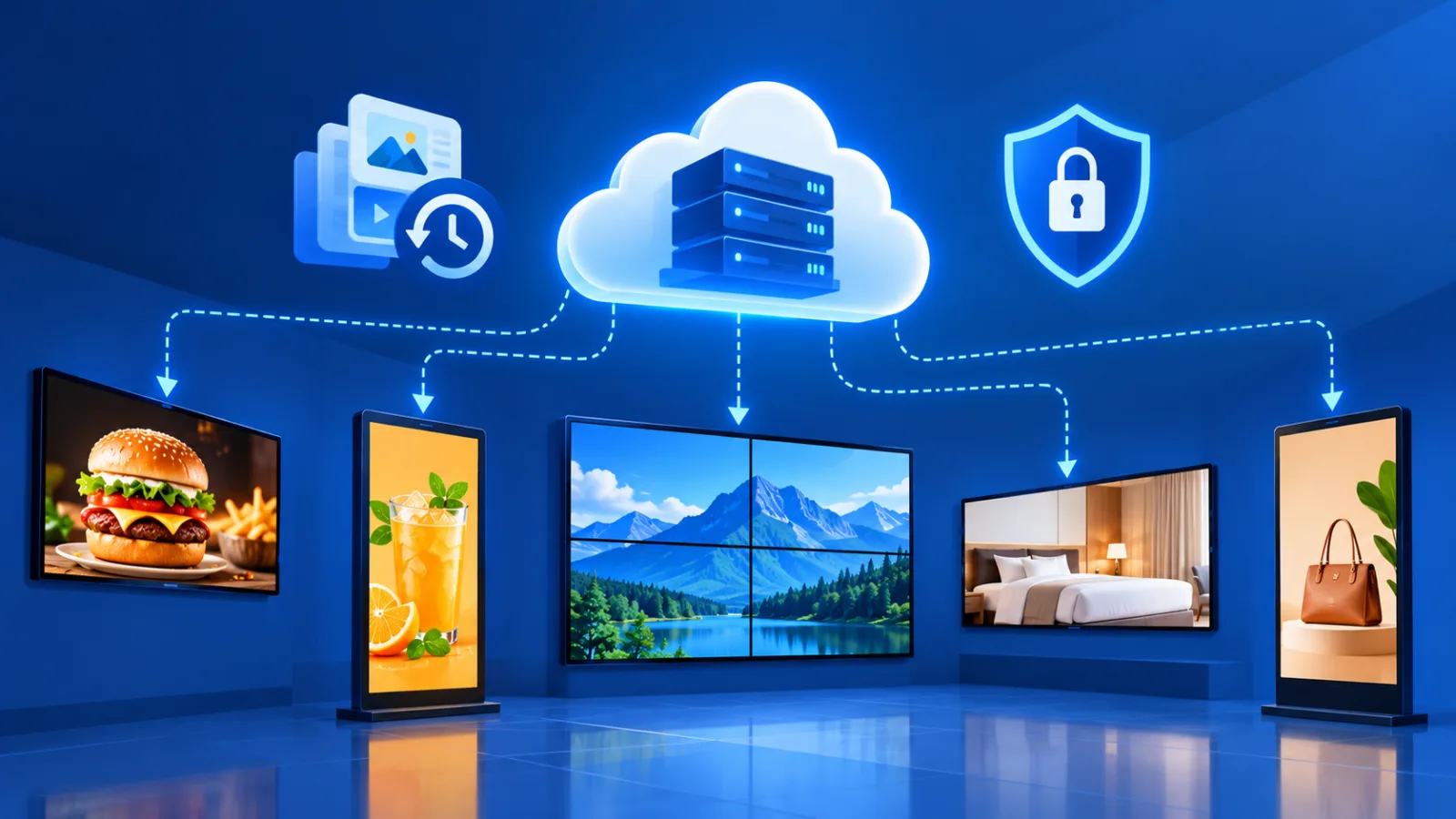
7. What Happens When the Internet Connection Fails?
Internet connectivity is something every business should consider before choosing a signage app.
Even today, the quality of the connection can vary from one location to another. Some sites have reliable broadband, while others experience intermittent connectivity.
This is where local caching becomes important.
When the signage player downloads content and stores it locally, it can continue playing that content even if the internet connection is temporarily unavailable. The exact behaviour depends on the device and software configuration.
This means a temporary internet problem does not necessarily have to result in a blank screen.
However, new content cannot be downloaded while the device is disconnected. The player needs to reconnect before it can receive pending updates.
That is why offline alerts are also important. If a screen goes offline, the responsible person should receive an alert so that the problem can be investigated.
We should also consider internet health verification. This helps identify connectivity issues at a location and makes it easier to understand whether poor internet performance is affecting content delivery.
For businesses managing screens across multiple branches, this information can be particularly useful. Instead of discovering a connectivity issue only when an update fails, the team can investigate the problem more systematically.
8. Support for Different Operating Systems
Businesses do not all use the same hardware.
Some use Android-based media players, while others use Windows PCs or commercial displays running Samsung Tizen or LG webOS. Android AOSP-based devices are also used in certain installations.
A signage app with support for multiple platforms gives businesses more flexibility when selecting hardware.
For example, an IT team managing screens across different locations may already have displays with different operating systems. Requiring every location to use the same hardware configuration may not always be practical.
Cross-platform support can make deployment easier, provided the exact device and operating system version are supported.
This is an important point to check before purchasing a solution. Support for Android does not automatically guarantee support for Android AOSP, Samsung Tizen, or LG webOS.
The business should verify compatibility with its actual devices rather than relying on a general claim of multi-platform support.
9. OTA Updates Help IT Teams Manage Software Remotely
When a business has several screens, software maintenance becomes another responsibility.
Manually visiting every location to update an application is time-consuming. It becomes even more difficult when the screens are spread across different cities.
OTA, or over-the-air, updates help simplify this process by allowing supported software updates to be delivered remotely.
Depending on the device and configuration, the application can download and install updates without requiring an IT team member to perform the complete process manually at every screen.
This is particularly useful for corporate offices, banks, hospitals, schools, and large retail chains.
IT teams can reduce repetitive maintenance work and manage deployments more efficiently. The exact update process still depends on the operating system, permissions, and device capabilities.
10. Screen Grouping and Team Management
Managing one screen is relatively simple. Managing 50 or 100 screens is a different matter.
Suppose a retail chain has multiple outlets and wants to publish a common promotional campaign across selected locations. Without screen grouping, the team may have to select and update each screen individually.
Screen grouping makes it possible to organise displays and deploy content to the required group, subject to the capabilities of the software.
Team management is equally important.
In larger businesses, the administrator, manager, and marketing team may have different responsibilities.
An administrator manages user accounts and system administration. Managers handle screens and content. Marketing team members can view relevant reports and use the available analytics to understand which content is performing better.
This arrangement helps distribute responsibilities instead of giving every employee the same level of access.
For a multi-chain business, these capabilities can make day-to-day management more organised and reduce unnecessary coordination.
11. Where Can Businesses Use a Signage App?
The practical applications are not limited to restaurants and retail shops.
Restaurant owners and café owners can use digital menus, scheduled promotions, and product highlights.
Retail businesses can promote offers and products across multiple outlets.
Schools can display announcements, event schedules, and campus information.
Bank and corporate IT teams can manage communication screens across branches and offices.
Hospitals can display department information, patient guidance, and health awareness messages.
Government offices can communicate public notices, service information, and announcements.
Factories can display safety notices and operational information.
The features required will depend on the organisation. A small café may mainly need mobile updates, scheduling, and auto-start. A large organisation may require platform compatibility, screen grouping, OTA updates, internet health verification, and structured user permissions.
The right signage app is the one that addresses the actual requirements of the business, rather than simply offering the longest list of features.
My Final Thoughts
After 11 years in this industry, I believe businesses should look beyond the basic ability to upload content and play it on a screen.
The real value comes from how easily the screens can be managed, how reliably they operate, and how effectively the displayed content serves the business.
Content analytics helps us understand playback. Eyeball analytics can provide additional information about audience attention. Mobile management makes updates easier, while automation and scheduling reduce manual work.
Local caching, offline alerts, and internet health verification help address connectivity challenges. Cross-platform support, OTA updates, screen grouping, and team management make the solution more practical for larger deployments.
At ICE, our approach is that a screen should work as part of your sales and marketing team, not remain an expensive poster on your wall.
That is the value I would look for when choosing a signage app for a business in India. If you are interested in real practical world digital signage app, Just talke a look at ICE Digital Signage App