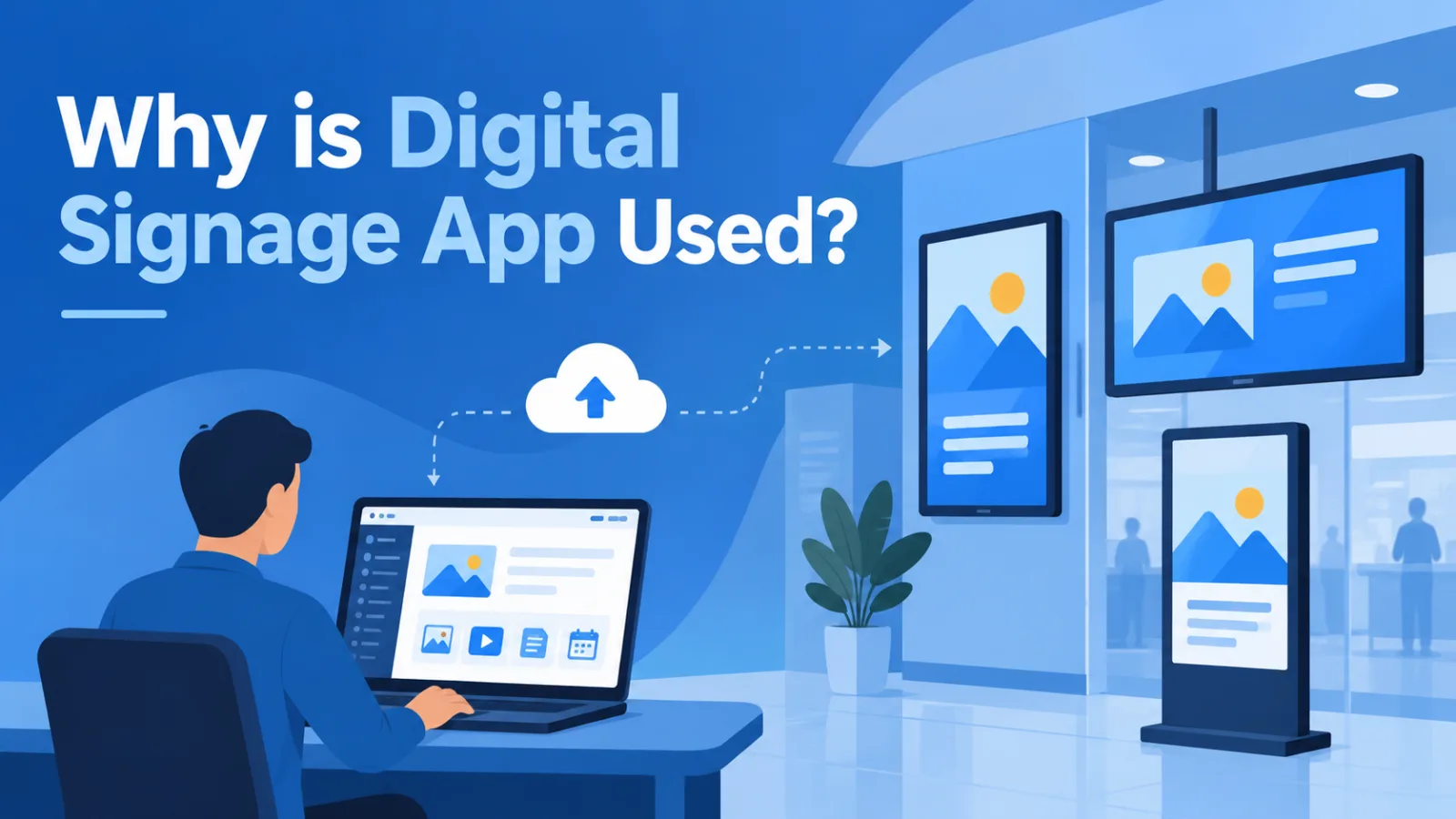
Why is digital signage app used?
A signage app is software that lets you control what appears on your TV screens or displays from one place, instead of manually updating each screen.
For restaurant chains, hotel owners and retail store owners in India. This lets updating menus, changing prices, or promotional offers across 5 screens or 50 screens in minutes, not hours.
This article covers how a signage app works, what to look for before buying one, and how businesses in India and beyond are using this technology today for scaling their business performance by a certain percentage.
In simple words signage app refers to a content management system that pushes images, videos, pricing and announcements to connected displays over the internet, with scheduling and remote control built in.
About this Sigange app
Most people search for "digital signage software" expecting something complicated, but the core idea is simple.
You upload your content once, to a cloud dashboard, and the app sends it to every screen in your network — whether that is one TV at your restaurant reception or forty screens across a hotel chain.
Through our 11 years working with digital signage technology at ICE Signage, we have seen that the businesses who succeed with this are not the ones with the fanciest features.
They are the ones who get reliable device compatibility and simple scheduling right from day one.
A signage app typically includes a content library, a scheduling calendar, screen grouping (useful if you run outlets in multiple locations togeather), and a media player that sits inside or connects to your TV.
Some apps work only on specific hardware. Others, like ICE Signage, support Android TV, Windows right now and will support Samsung Commercial TVs and LG Commercial TVs in future, which matters when you already own TVs and don't want to replace them.S
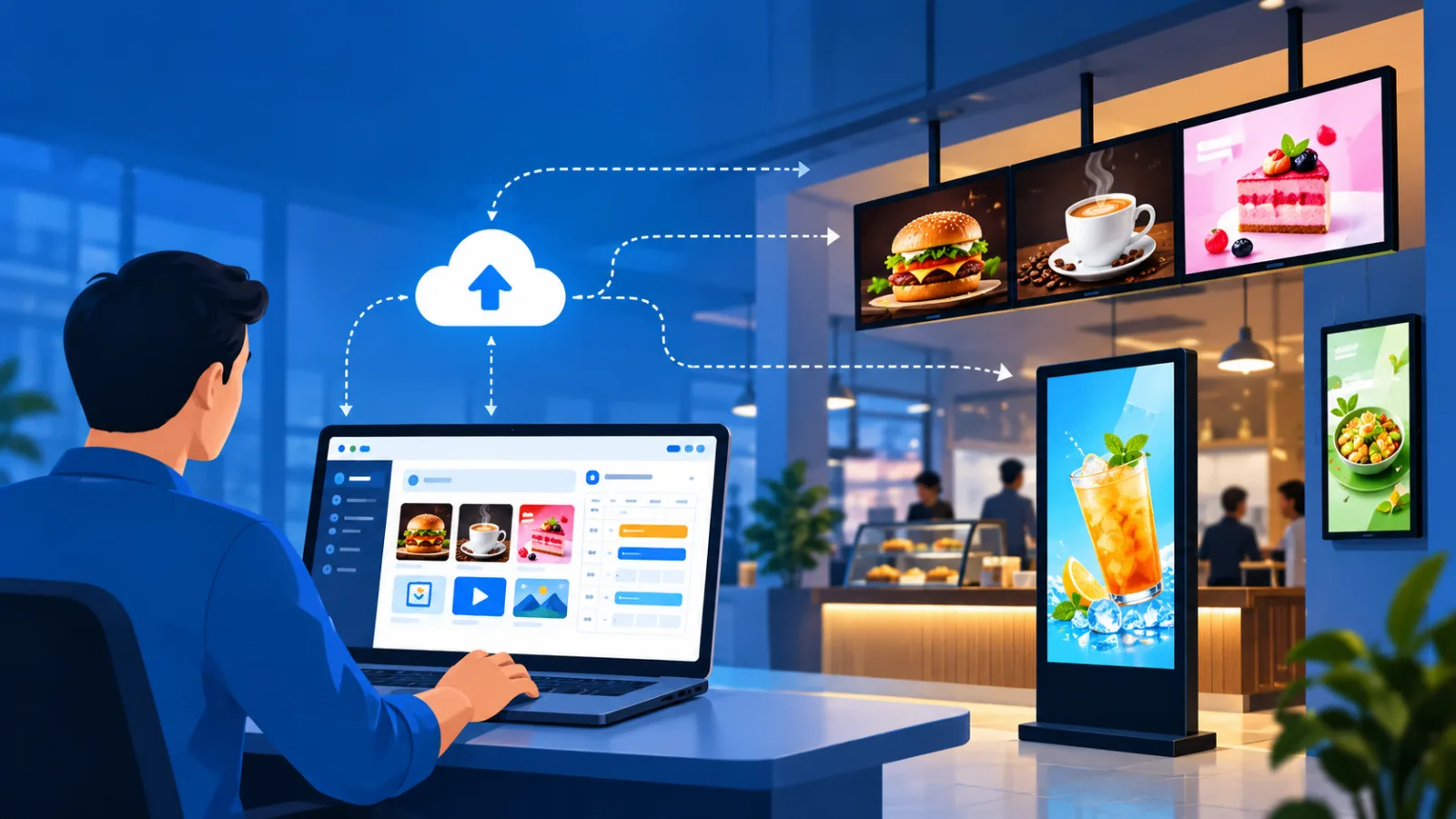
How Signage App works
The process is more straightforward than most business owners expect. You sign up, connect your display using an app installed directly on an Android TV, Windows, Fire TV, Tizen & Web OS and upload your content through a browser-based dashboard.
- Install the signage app on your TV or display
- Upload images, videos to your content library
- Set a content schedule — breakfast menu from 7 AM to 11 AM, dinner offers after 7 PM
- Group screens by location, floor or outlet
- Push updates remotely — changes reflect within minutes
We installed this exact setup for a few 3 star and 5 star Restaurants in Bangalore where the marketing team was manually changing USB drives every evening to update the dinner promotion.
But with remote deployment through our dashboard, their staff now updates pricing from a phone, without touching the TV at all.
Reasons to love a signage app
The appeal isn't just convenience — it changes how businesses communicate with customers.
A restaurant chain in Pune running a wedding season offer can update every screen across three outlets in one go, rather than reprinting menu cards.
A corporate office in Bengaluru can display meeting room schedules that update automatically from their calendar.
- Central control over an entire signage network, across cities
- Scheduled content that changes automatically — no manual intervention during Diwali sales or monsoon offers
- Works with existing commercial displays, so no need for new hardware in most cases
- Cuts printing costs — menu changes, rate cards and festival promotions all go digital
- Useful reporting on what played, when, and on which screen
What our users are saying
"We used to spend two days before every season change getting new menu boards printed for our forty three outlets. Now our manager updates everything from her laptop in Bangalore." — Bangaluru's lagest QSR restaurant chain owner
"The hotel compendium and TV guide used to go out of date within a month of printing. HotelMode and ICE Signage together solved that completely." — 4 Star, Hotel Owner, Bengaluru
These are not isolated cases. Across our client base, the common feedback is that the time saved on content updates matters more than any single feature.
Note: Ask any signage software vendor for reference clients in your city or similar business type before signing up — real usage feedback tells you more than a feature list.
Choose how you deploy
Deployment options vary, and this is where many businesses get confused between free digital signage software, paid plans, and self-hosted setups.
A free digital signage software plan usually covers 1–3 screens and basic scheduling — fine for a single restaurant counter display, but limiting for a hotel chain.
Note: Paid cloud-based signage plans scale by screen count and offer better support, security and reporting.
For digital signage software for Android, deployment is usually fastest — install the app directly on an Android TV , log in, and you are live within 5 minutes.
Windows-based media players need slightly more setup but offer wider software compatibility for complex content like interactive menus.
Suggestion: Start with a free tier to test reliability on 1–2 screens before committing your entire outlet network to any signage software.
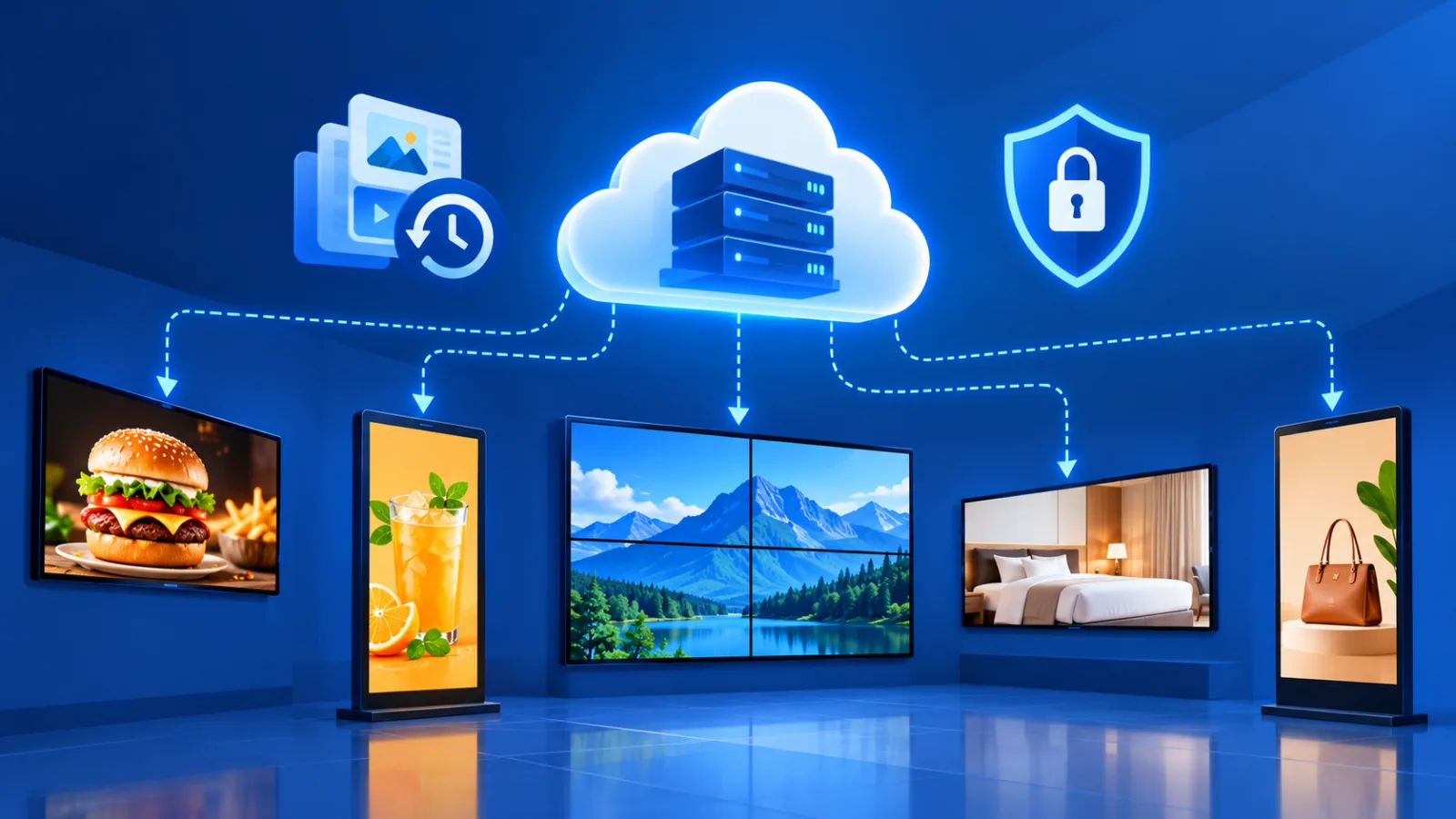
Data safety and security
Restaurants, Hotels and retail businesses handling customer facing displays, should check how the signage app handles data.
Cloud-based signage platforms should offer encrypted login access, role-based permissions (so staff can't accidentally delete or manipulate content), and regular back-ups of your media library.
Ask any signage software vendor directly about data residency — where your content and account data is actually stored.
App support and SLA
This is often ignored by most restaurant, hotel and retail business owners until something goes wrong during the peak season.
A screen going blank during Diwali weekend at a retail store costs more in lost sales than a year of software fees. Check the vendor's response time commitment, support hours, and whether they offer on ground installation and service support in your city.
What is the best free signage app?
For 1–3 screens, free digital signage software works well for small restaurants or single-outlet retail stores. For hotels and chains needing centralised content scheduling across many screens, a paid plan with better support is usually a better longterm choice.
How do I create digital signage content?
Most signage apps let you upload images, videos or PDFs directly, or use built-in templates for menus and promotions. No design software is needed for basic content — Canva or PowerPoint exports work fine for most business use cases.
Can I use a signage app on any TV?
Most commercial TV and even consumer Android TVs support signage apps directly. Older TVs may need an external media player or signage box connected via HDMI to run the content management system.
How much does a digital signage app cost in India?
Pricing typically ranges from free (1–3 screens) to ₹300–₹1,500 per screen per month for cloud-based plans with full scheduling, reporting and support, excluding GST and hardware costs. But ICE Signage is quit cheaper and very advanced compaired to all the major signage app companies.
Is digital signage app safe for customer data?
Yes, provided the vendor uses encrypted connections and secure cloud storage. Ask specifically about login security and data backup policy before signing up, especially if displays are connected to your guest Wi-Fi network.